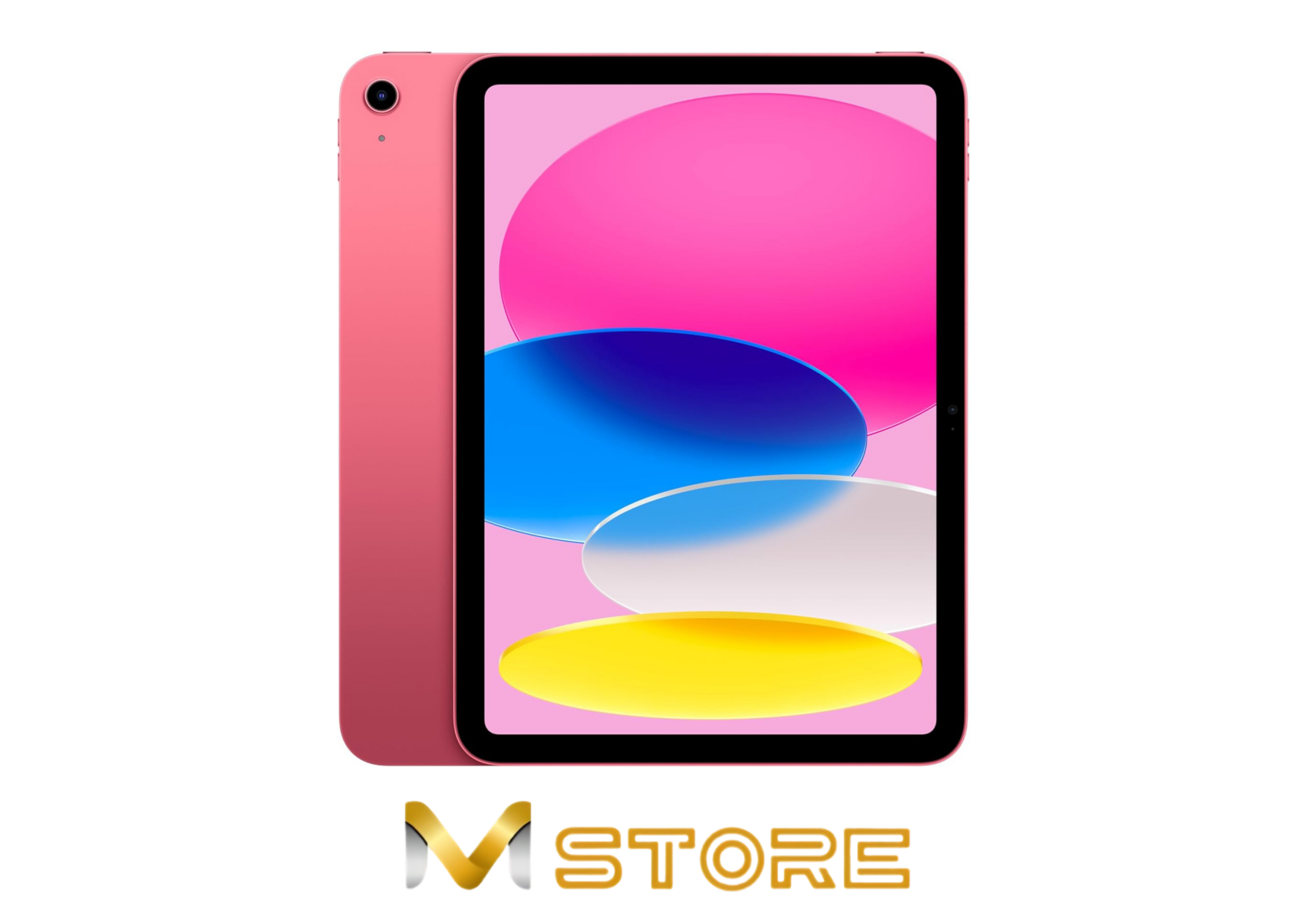
Student Guide
MacBook vs iPad for Students in Sri Lanka
Choose MacBook if you need laptop-style work, coding, desktop apps or heavy typing. Choose iPad if your main needs are notes, reading, media, drawing and portability.
Fast recommendation
| Student need | Better choice | Why |
|---|---|---|
| Typing assignments and research | MacBook | Built for laptop workflows and multitasking. |
| Handwritten notes and drawing | iPad | Apple Pencil support can be valuable. |
| Coding or desktop apps | MacBook | More suitable for developer and desktop software needs. |
| Media and reading | iPad | Light, touch-first and portable. |
Remember accessory costs
An iPad may need Apple Pencil or a keyboard to become a serious study device. Add those costs before comparing it directly with a MacBook.
A MacBook may need a sleeve, USB-C hub or external drive, while an iPad may need Apple Pencil, a keyboard case and extra cloud storage. The fair comparison is the full study setup, not only the device price.
Course requirements matter
Engineering, software, design and business courses can have different app requirements. Ask your course or seniors what software is needed before choosing.
If the course expects desktop apps, coding tools, file management, external monitors or heavy typing, MacBook is usually safer. If the course is reading-heavy, note-heavy or drawing-focused, iPad can be a better companion device.
MacBook vs iPad by student workflow
| Workflow | Better fit | Reason |
|---|---|---|
| Long essays and reports | MacBook | Keyboard, multitasking and file handling are easier. |
| Lecture notes and diagrams | iPad | Apple Pencil support is useful for handwriting and sketches. |
| Coding assignments | MacBook | Developer tools and desktop workflows are stronger. |
| Design sketching | iPad or both | iPad is strong for drawing, while MacBook is better for final production work. |
| Online classes and presentations | Either | Choose based on typing needs, budget and apps. |
Best answer for most students
If you can buy only one device for university, MacBook is usually the safer primary machine because it handles more traditional laptop tasks. iPad is excellent as a second device for notes, reading, media and drawing.
Students with a tight budget should first confirm course software needs. Buying an iPad and then discovering that required desktop software needs a laptop can be more expensive than choosing the right MacBook first.
Ready to buy?
Confirm current Sri Lanka stock and price
Prices and availability can change. Ask M Store to confirm the exact model, warranty, color, delivery timing and cash discount before ordering.
FAQs
Can iPad replace MacBook for university?
It can for note-taking, reading and light work, but MacBook is better for coding, desktop apps and heavy typing.
Which is cheaper for students?
Compare the full setup cost. An iPad with Pencil and keyboard may be closer to a laptop budget than expected.
Can M Store help compare both?
Yes. Share your course, apps and budget with M Store to compare current MacBook and iPad options.
Should I buy iPad first or MacBook first?
If you need one primary study device, buy the MacBook first unless your course is mainly note-taking, reading or drawing.
Is iPad better for handwritten notes?
Yes. iPad with Apple Pencil is stronger for handwritten notes, diagrams and reading PDFs. MacBook is stronger for typing, research and desktop apps.
How this guide is prepared
M Store Editorial reviews product specifications, current catalogue data, warranty considerations and recurring questions from Sri Lankan buyers. Prices and stock are checked separately because they can change after publication. A guide’s updated date is changed only when its buying advice or product information is materially reviewed.